The complete guide to cyber security for beginners
Learn the basics of cyber security and protect your digital devices with this e-book. From virus protection to strong passwords, youll get tips and tools to protect yourself from online threats and keep your data safe.
Download guide

Find the Best Mobile Apps for Your Needs – A Guide to Smarter Choices

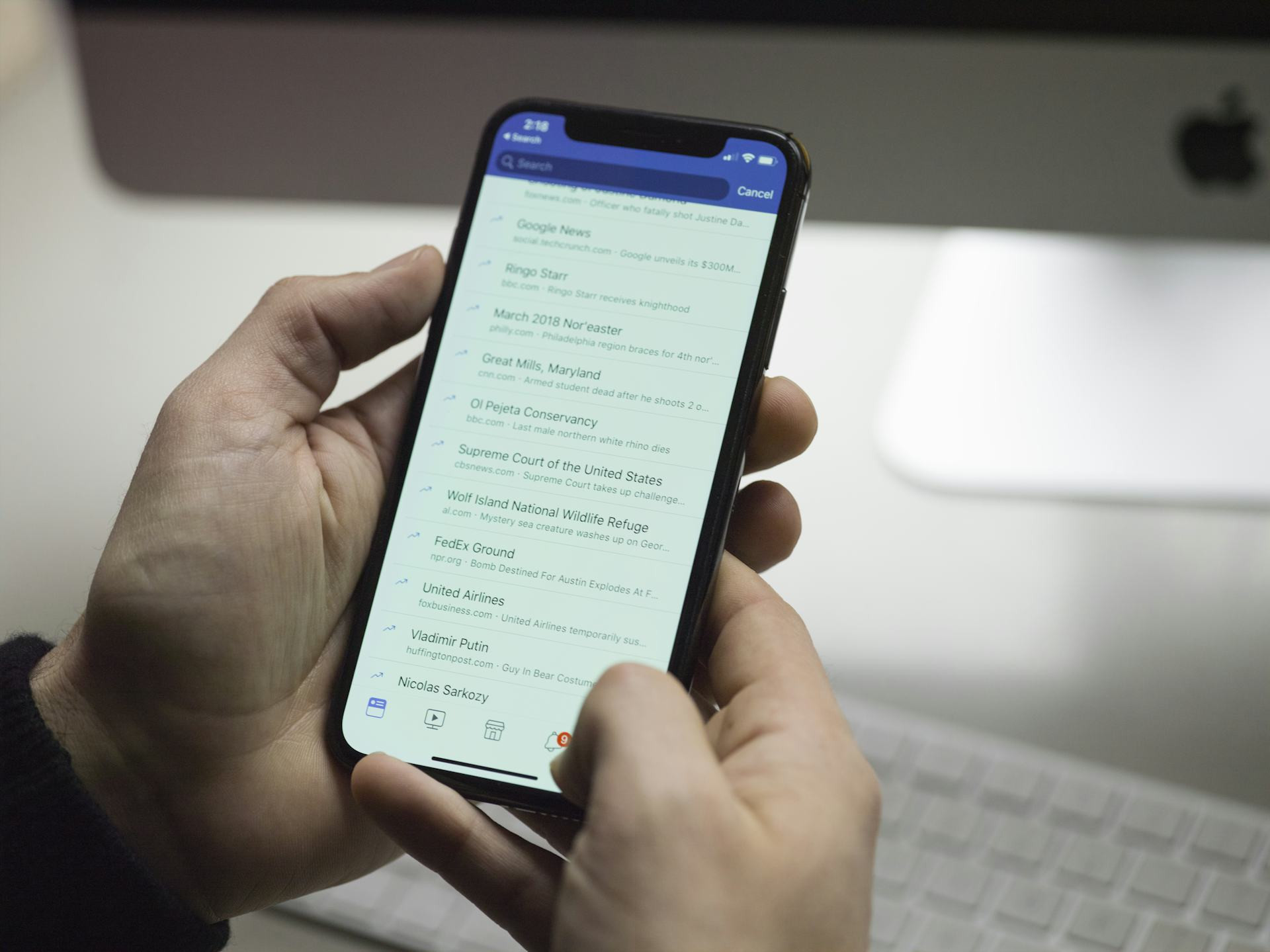
Discover how to choose the right apps that truly enhance your daily life
Units
Units
6 min
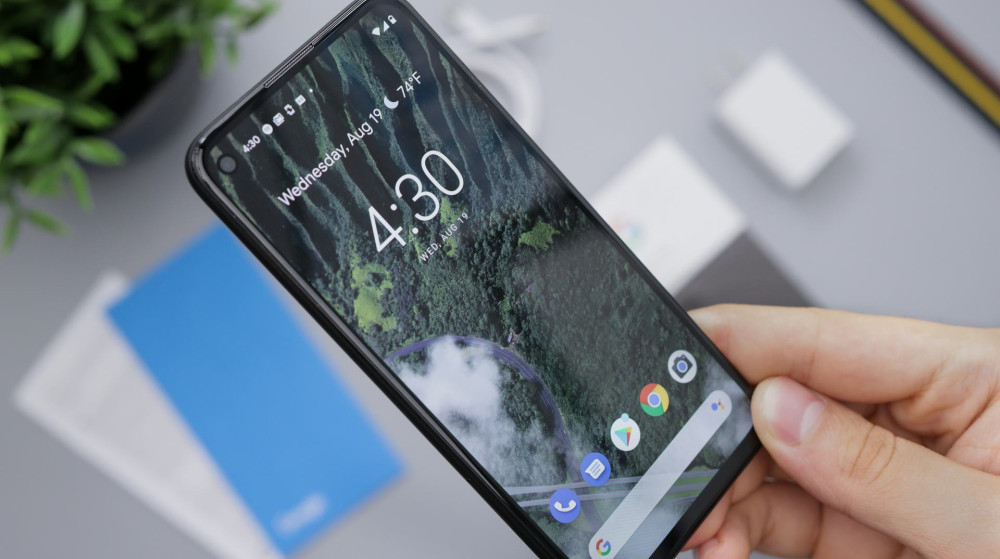
With millions of mobile apps available, it can be hard to know which ones are worth your time. This guide helps you identify your needs and find the best apps for productivity, health, learning, and more—so your phone becomes a smarter tool for everyday living.
Autumn Diaz
Autumn
Diaz

Find the Best Mobile Apps for Your Needs – A Guide to Smarter Choices

Discover how to choose the right apps that truly enhance your daily life
Units
Units
6 min
With millions of mobile apps available, it can be hard to know which ones are worth your time. This guide helps you identify your needs and find the best apps for productivity, health, learning, and more—so your phone becomes a smarter tool for everyday living.
Autumn Diaz
Autumn
Diaz

Mobile apps have become an essential part of everyday life. They help us manage our finances, stay fit, navigate new places, learn new skills, and unwind after a long day. But with millions of apps available, finding the ones that truly make a difference can be overwhelming. This guide will help you make smarter choices—so you can find the apps that best fit your lifestyle and goals.

Start by Defining Your Needs

Before downloading another app, take a moment to think about what you actually need. Many people install apps impulsively but end up using only a few of them. Ask yourself a few simple questions:

  • What do I want to achieve? (e.g., better organization, healthier habits, more relaxation)
  • How often will I use the app?
  • Does it need to sync across multiple devices or platforms?
  • Am I willing to pay for premium features?

Once you know your priorities, it becomes much easier to filter through the endless options and find apps that truly add value.

Productivity and Organization

If you want to stay on top of your daily tasks, there are plenty of apps designed to help you plan, organize, and focus.

  • Notes and to-do lists: Apps like Todoist, Microsoft To Do, and Google Keep make it easy to manage everything from grocery lists to work projects.
  • Calendars and scheduling: Choose a calendar app that integrates with your email and reminders so you always know what’s coming up.
  • Focus and time management: Tools like Forest or Pomodoro timers can help you stay productive by structuring your work sessions and breaks.

A good rule of thumb is to pick one app per function instead of juggling several that overlap. It keeps things simple and efficient.

Health and Wellness

Your phone can be a powerful ally in building healthier habits—if you use it wisely.

  • Fitness and activity: Apps like Strava, Nike Training Club, or Fitbod offer guided workouts and performance tracking to keep you motivated.
  • Sleep and relaxation: Meditation and mindfulness apps such as Headspace or Calm can help you unwind and improve your sleep quality.
  • Nutrition and diet: MyFitnessPal and Lifesum make it easy to track your meals and understand how your food choices affect your energy and health.

Remember, apps can support your habits—but they can’t create them for you.

Money and Budgeting

Managing your finances is easier than ever with the right apps.

  • Budgeting and expenses: Apps like Mint or YNAB (You Need a Budget) give you a clear overview of where your money goes and help you set financial goals.
  • Payments and transfers: Venmo, PayPal, and Cash App make it simple to split bills or send money instantly.
  • Investing and saving: If you’re ready to grow your savings, apps like Robinhood, Acorns, or Fidelity Spire make investing accessible, even with small amounts.

Choose an app that matches your comfort level and that you trust with your financial data.

Learning and Personal Growth

Your phone can also be a gateway to new knowledge and skills.

  • Languages and education: Duolingo, Babbel, and Coursera offer everything from quick language lessons to full university-level courses.
  • Reading and listening: E-book and audiobook apps like Kindle or Audible let you learn or enjoy stories on the go.
  • News and insights: Use news apps that provide balanced coverage, and manage notifications so you stay informed without feeling overwhelmed.

Using your phone for learning is a great way to make the most of short breaks—rather than scrolling aimlessly.

Entertainment and Creativity

Of course, your phone should also be a source of fun and creativity. The key is finding balance between enjoyment and screen time.

  • Streaming and music: Services like Netflix, Hulu, and Spotify offer endless entertainment options.
  • Creative tools: Try apps for photo and video editing, drawing, or music production—many are surprisingly powerful.
  • Games: Mobile games range from quick puzzles to deep strategy experiences. Choose ones that bring you joy, not stress.

Consider setting screen time limits or notification controls to keep entertainment from taking over your day.

Security and Privacy

With so many apps on your phone, it’s important to stay mindful of your data security. Always check what permissions an app requests, and be cautious with free apps that ask for access to your contacts or location.

  • Use strong, unique passwords and enable two-factor authentication.
  • Keep your apps updated to close security gaps.
  • Delete apps you no longer use—they may still have access to your data.

A secure mobile experience isn’t just about technology—it’s about developing smart digital habits.

Make Your Phone Work for You

The best apps are the ones that make your life easier, more enjoyable, or more meaningful. Take some time to declutter your phone and keep only the apps you truly use. That way, your smartphone becomes a tool that works for you—not the other way around.

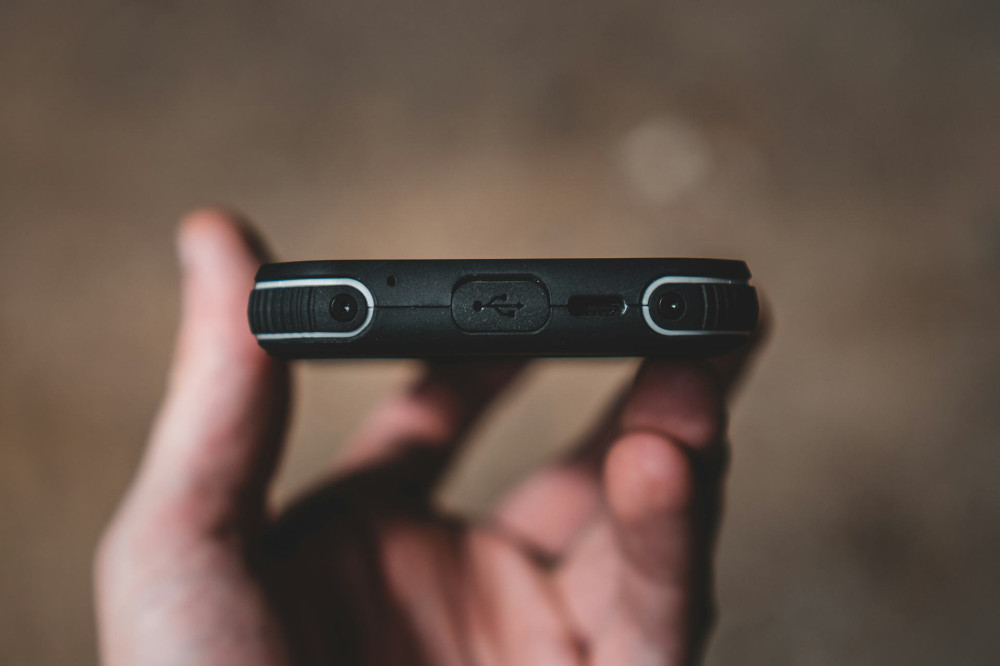
Protect Your Device: How to Avoid Shocks, Scratches, and Moisture in Everyday Life
Keep your smartphone, tablet, and laptop safe from everyday accidents
Units
Units
Device Protection
Tech Care
Everyday Tips
Gadgets
Maintenance
3 min
Learn how to protect your favorite devices from drops, scratches, and moisture with simple habits and smart accessories. Discover practical tips to extend your tech’s lifespan and avoid costly repairs.
Maia Lopez
Maia
Lopez
Talk About Digital Security – How to Make It Easy for Family and Friends to Understand
Make online safety simple and relatable for everyone you care about
Units
Units
Digital Security
Online Safety
Cyber Awareness
Family
Technology Education
7 min
Digital security doesn’t have to be complicated. Learn how to explain key online safety habits—like strong passwords, scam awareness, and two-factor authentication—in a way that’s easy for family and friends to understand and apply in everyday life.
Savannah Jones
Savannah
Jones
Use Your Voice as a Tool: Achieve a More Efficient Everyday Life with Voice Control and Digital Assistants
Discover how voice control and digital assistants can simplify your daily routines and boost productivity.
Units
Units
Voice Control
Digital Assistants
Smart Home
Productivity
Technology
7 min
From managing your schedule to controlling your smart home, voice technology is transforming the way we live and work. Learn how to make the most of digital assistants to save time, stay organized, and enjoy a more efficient everyday life.
Daisy Adams
Daisy
Adams
Find the Best Mobile Apps for Your Needs – A Guide to Smarter Choices
Discover how to choose the right apps that truly enhance your daily life
Units
Units
Mobile Apps
Productivity
Technology
Lifestyle
App Guide
6 min
With millions of mobile apps available, it can be hard to know which ones are worth your time. This guide helps you identify your needs and find the best apps for productivity, health, learning, and more—so your phone becomes a smarter tool for everyday living.
Autumn Diaz
Autumn
Diaz
Cleaning Electronics: How to Keep Your Devices Clean Without Damaging Them
Keep your gadgets spotless and functioning like new with safe cleaning methods
Units
Units
Electronics
Cleaning Tips
Device Care
Home Maintenance
Technology
5 min
Learn how to clean your electronic devices without causing damage. From screens and keyboards to earbuds and remotes, this guide shows you the right techniques and products to maintain hygiene and extend the life of your tech.
Alexander Jones
Alexander
Jones
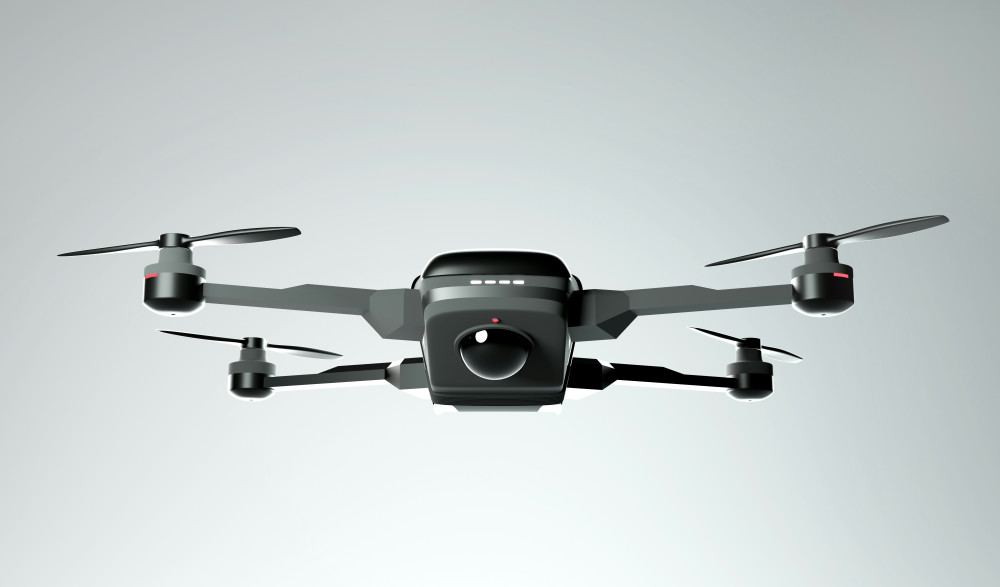
Drones – get a complete overview of models and features
Experience new perspectives with modern drone technology for both leisure and home use
Technology
Technology
Drones
Smart home
Technology
Home
Gadgets
7 min
Get a complete overview of drones for both hobby and home use. The article reviews different types and features so you can find the model that best suits your needs and budget.
Maia Lopez
Maia
Lopez
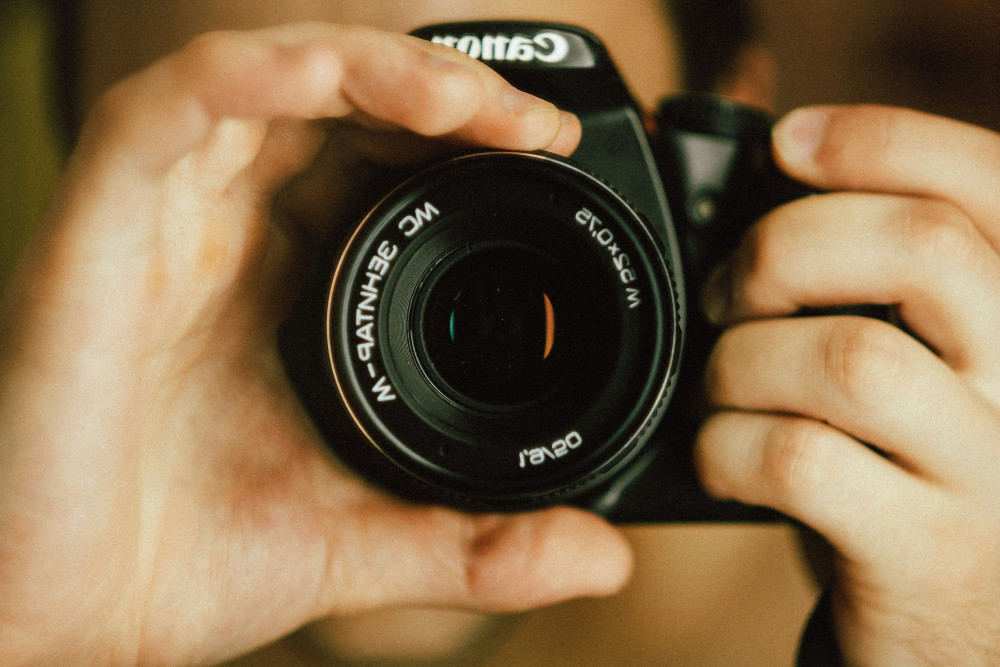
Lenses for every photography enthusiast – see the selection and get inspired
Find the right lens for your creative visions and get more out of your camera
Technology
Technology
Photo equipment
Lenses
Camera
Photography
Technology
4 min
Explore a selection of lenses for all types of photography. Get an overview of different models, features and areas of use, and find inspiration to choose the lens that best suits your creative needs.
Savannah Jones
Savannah
Jones
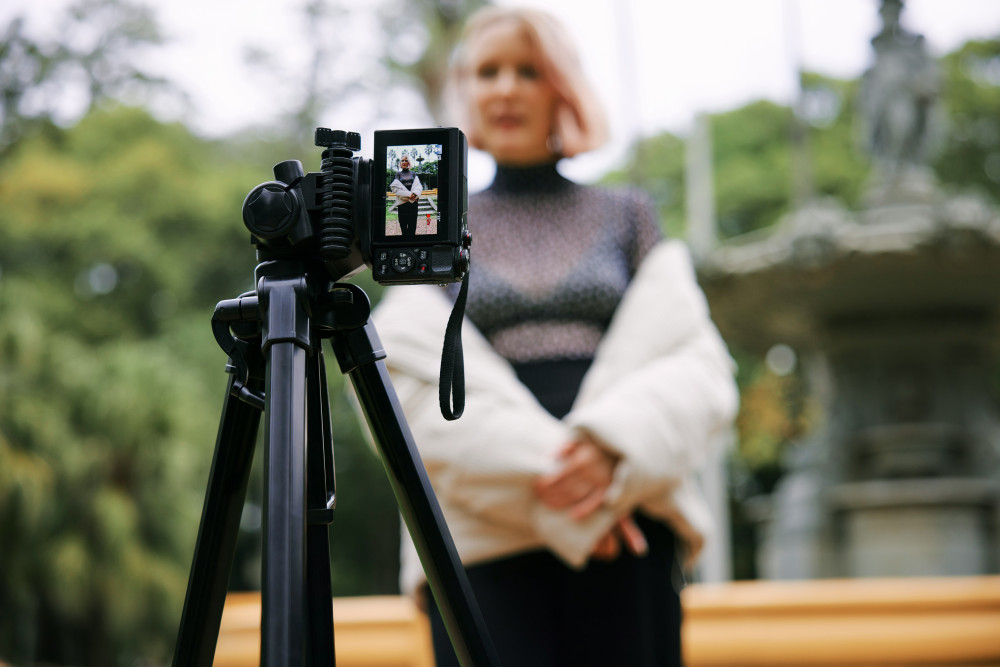
Camera tripods – a practical overview for those who want to compare models
Get stable shots and flexible angles with the right tripod for your camera
Technology
Technology
Camera tripod
Photography equipment
Video recording
Photography
Technology
7 min
Camera tripods provide stability and control in your shots. Here you get an overview of different types, features and materials, so you can easily compare models and find the tripod that best suits your camera.
Daisy Adams
Daisy
Adams
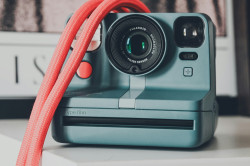
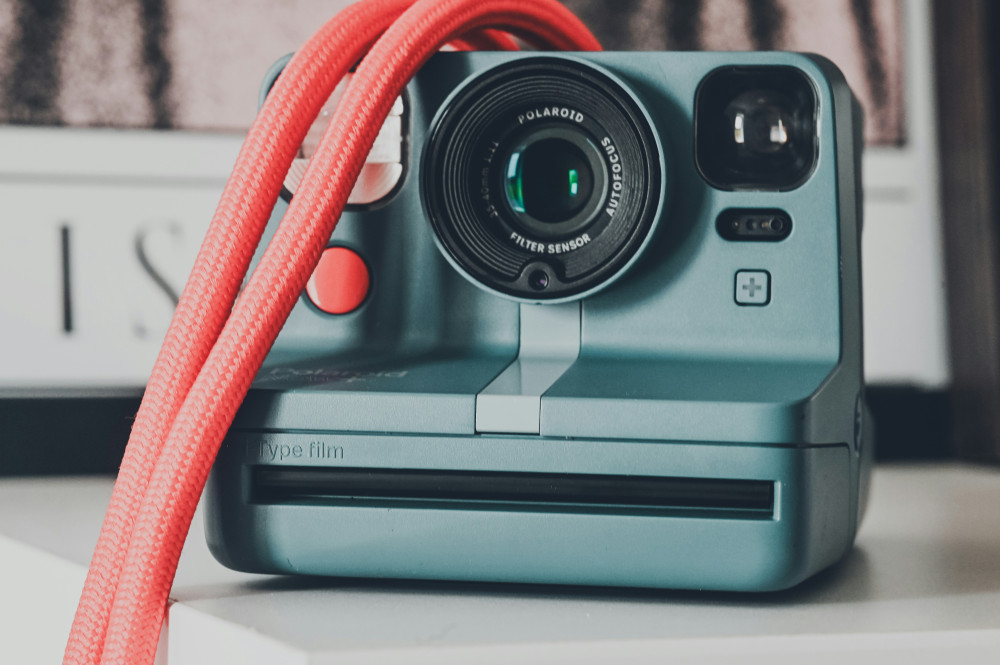
Different instant cameras – from classic to modern design
Capture the moment with cameras that combine nostalgia and today’s technology
Technology
Technology
Instant camera
Photography
Gadgets
Retro
Everyday technology
2 min
Instant cameras combine retro charm with modern technology. In this article, you get an overview of different models and features, so you can find the camera that best suits your style and needs.
Autumn Diaz
Autumn
Diaz
Overview: Mobile phone holders for many purposes and needs
Make everyday life easier with the right holder for your smartphone
Technology
Technology
Mobile phone holder
Smartphone
Accessories
Gadgets
Everyday technology
5 min
Get an overview of different types of mobile phone holders for car, bike, office and home. The article provides insight into features and possible uses, so you can find the solution that best suits your everyday life.
Alexander Jones
Alexander
Jones
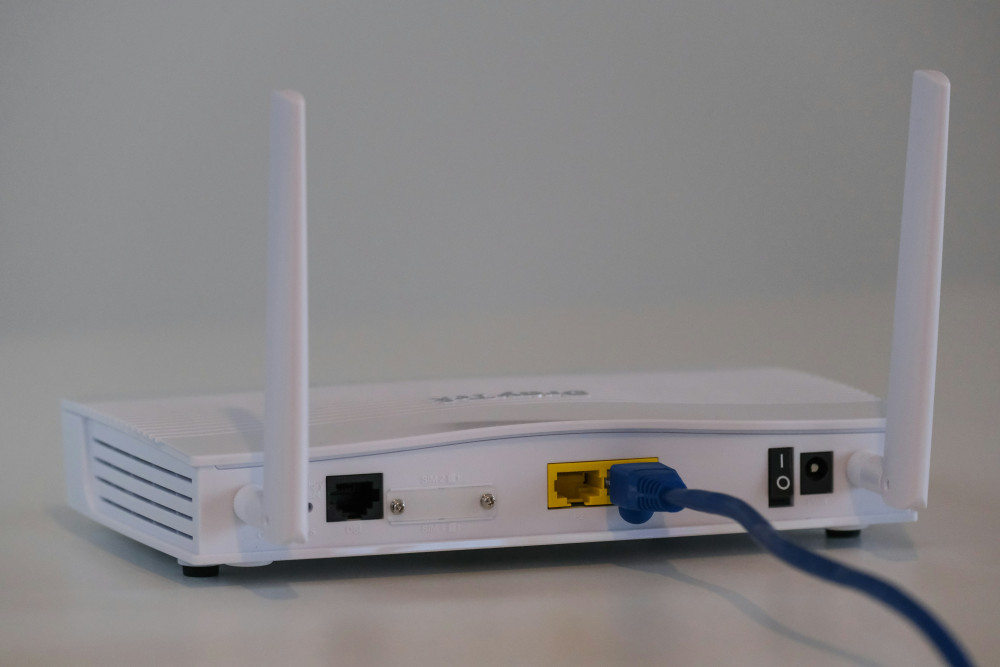
Overview of modems with different technologies and features
Find the right modem for your internet connection and your needs
Broadband
Broadband
Modem
Internet
Network
Technology
Connection
3 min
Get an overview of different types of modems and their features. The article reviews technologies such as DSL, cable, fibre and 5G, so you can find the modem that best suits your internet connection.
Maia Lopez
Maia
Lopez
Overview: Access points for different needs and network solutions
Get stable and fast wireless network throughout your home
Broadband
Broadband
Wi-Fi
Network
Access point
Smart home
Internet
7 min
Get control of your wireless network with the right access point. The article provides an overview of different types and functions, so you can find the solution that best suits your home and your needs.
Savannah Jones
Savannah
Jones