The complete guide to cyber security for beginners
Learn the basics of cyber security and protect your digital devices with this e-book. From virus protection to strong passwords, youll get tips and tools to protect yourself from online threats and keep your data safe.
Download guide

Cleaning Electronics: How to Keep Your Devices Clean Without Damaging Them


Keep your gadgets spotless and functioning like new with safe cleaning methods
Units
Units
5 min
Learn how to clean your electronic devices without causing damage. From screens and keyboards to earbuds and remotes, this guide shows you the right techniques and products to maintain hygiene and extend the life of your tech.
Alexander Jones
Alexander
Jones

Cleaning Electronics: How to Keep Your Devices Clean Without Damaging Them

Keep your gadgets spotless and functioning like new with safe cleaning methods
Units
Units
5 min
Learn how to clean your electronic devices without causing damage. From screens and keyboards to earbuds and remotes, this guide shows you the right techniques and products to maintain hygiene and extend the life of your tech.
Alexander Jones
Alexander
Jones

We use our electronic devices every day — from smartphones and laptops to remote controls and earbuds. But how often do we think about how dirty they get? Fingerprints, dust, and bacteria build up quickly, and without proper cleaning, that grime can affect both hygiene and the lifespan of your devices. Here’s a guide to keeping your electronics clean — safely and effectively.

Why Cleaning Matters

Electronics attract dust and dirt, and screens and keyboards are especially vulnerable. Oils and debris can settle into crevices, while bacteria thrive on surfaces we touch constantly. Regular cleaning not only keeps your devices looking good but can also prevent overheating, extend their life, and reduce the risk of malfunctions.

Basic Rules Before You Start

Before you begin cleaning, follow these simple but important precautions:

  • Always power off the device and unplug it from any outlet.
  • Remove batteries if possible.
  • Never use water or household cleaners directly on electronic parts.
  • Avoid spraying liquids directly onto the device — instead, lightly dampen a cloth.

These steps help prevent short circuits and damage to sensitive components.

Screens: From Smartphones to TVs

Screens require special care since they can scratch or become damaged by harsh cleaners.

  • Use a microfiber cloth that won’t scratch the surface.
  • Lightly dampen the cloth with distilled water or a mix of water and a small amount of isopropyl alcohol (no more than 70%).
  • Wipe gently in circular motions without pressing too hard.
  • Avoid paper towels or regular cloths, which can leave fibers or cause scratches.

For touchscreens, you can use screen-cleaning products made for electronics, but always check the manufacturer’s recommendations first.

Keyboards and Computers

Keyboards collect dust, crumbs, and bacteria faster than most other devices.

  1. Turn the keyboard upside down and gently shake out loose debris.
  2. Use a can of compressed air to blow dust from between the keys.
  3. Wipe the surface with a slightly damp microfiber cloth.
  4. For deeper cleaning, use cotton swabs lightly moistened with isopropyl alcohol around the keys.

Laptops should be cleaned with the same care — especially around vents, where dust buildup can block airflow and cause overheating.

Smartphones and Tablets

These are among the dirtiest devices we own because we handle them constantly.

  • Turn off the device and remove the case.
  • Wipe with a microfiber cloth dampened with a bit of water or a screen-safe cleaner.
  • Clean the case separately — many can be washed with mild soap and water, but check the material first.
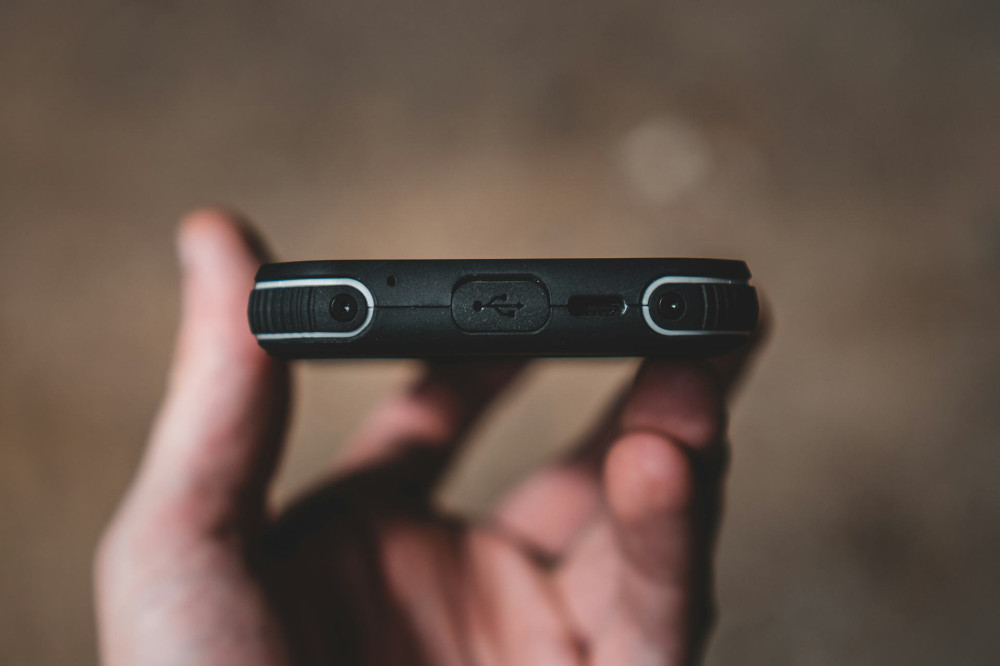
  • Avoid getting moisture into ports or speakers.

A good habit is to clean your phone or tablet once a week to keep germs and grime under control.

Earbuds and Speakers

Earwax, dust, and sweat can quickly build up on earbuds and affect both sound quality and comfort.

  • Remove silicone tips and wash them in warm, soapy water.
  • Wipe the earbuds themselves with a lightly dampened cloth.
  • Use a dry cotton swab to clean small openings.

For speakers, use a soft brush or compressed air to remove dust from the grille — avoid moisture, as it can damage the speaker membrane.

Remotes and Other Small Devices

Remotes, computer mice, and game controllers are often overlooked but are among the most frequently handled items in the home.

  • Remove the batteries before cleaning.
  • Wipe the surface with a cloth dampened with a bit of isopropyl alcohol.
  • Use a cotton swab to clean around buttons and seams.

If you want to disinfect, use wipes designed for electronics — avoid products containing bleach.

Common Mistakes to Avoid

Many electronic devices are damaged during cleaning. Here are the most common mistakes — and how to avoid them:

  • Too much liquid: Even small amounts can seep into openings and cause short circuits.
  • Wrong cleaning products: Glass cleaner, ammonia, and strong alcohol can damage screen coatings.
  • Not letting devices dry: Make sure everything is completely dry before turning it back on.

Patience and gentle handling are key to safe cleaning.

Make Cleaning a Routine

Just like vacuuming or doing laundry, cleaning your electronics should be part of your regular routine. A quick wipe of your screen, keyboard, and phone only takes a few minutes but makes a big difference in hygiene and performance.

By treating your devices with care, you’ll extend their lifespan, maintain their performance, and create a cleaner, healthier environment around you.

Protect Your Device: How to Avoid Shocks, Scratches, and Moisture in Everyday Life
Keep your smartphone, tablet, and laptop safe from everyday accidents
Units
Units
Device Protection
Tech Care
Everyday Tips
Gadgets
Maintenance
3 min
Learn how to protect your favorite devices from drops, scratches, and moisture with simple habits and smart accessories. Discover practical tips to extend your tech’s lifespan and avoid costly repairs.
Maia Lopez
Maia
Lopez
Talk About Digital Security – How to Make It Easy for Family and Friends to Understand
Make online safety simple and relatable for everyone you care about
Units
Units
Digital Security
Online Safety
Cyber Awareness
Family
Technology Education
7 min
Digital security doesn’t have to be complicated. Learn how to explain key online safety habits—like strong passwords, scam awareness, and two-factor authentication—in a way that’s easy for family and friends to understand and apply in everyday life.
Savannah Jones
Savannah
Jones
Use Your Voice as a Tool: Achieve a More Efficient Everyday Life with Voice Control and Digital Assistants
Discover how voice control and digital assistants can simplify your daily routines and boost productivity.
Units
Units
Voice Control
Digital Assistants
Smart Home
Productivity
Technology
7 min
From managing your schedule to controlling your smart home, voice technology is transforming the way we live and work. Learn how to make the most of digital assistants to save time, stay organized, and enjoy a more efficient everyday life.
Daisy Adams
Daisy
Adams
Find the Best Mobile Apps for Your Needs – A Guide to Smarter Choices
Discover how to choose the right apps that truly enhance your daily life
Units
Units
Mobile Apps
Productivity
Technology
Lifestyle
App Guide
6 min
With millions of mobile apps available, it can be hard to know which ones are worth your time. This guide helps you identify your needs and find the best apps for productivity, health, learning, and more—so your phone becomes a smarter tool for everyday living.
Autumn Diaz
Autumn
Diaz
Cleaning Electronics: How to Keep Your Devices Clean Without Damaging Them
Keep your gadgets spotless and functioning like new with safe cleaning methods
Units
Units
Electronics
Cleaning Tips
Device Care
Home Maintenance
Technology
5 min
Learn how to clean your electronic devices without causing damage. From screens and keyboards to earbuds and remotes, this guide shows you the right techniques and products to maintain hygiene and extend the life of your tech.
Alexander Jones
Alexander
Jones
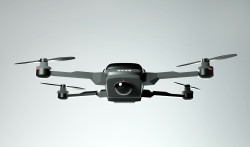
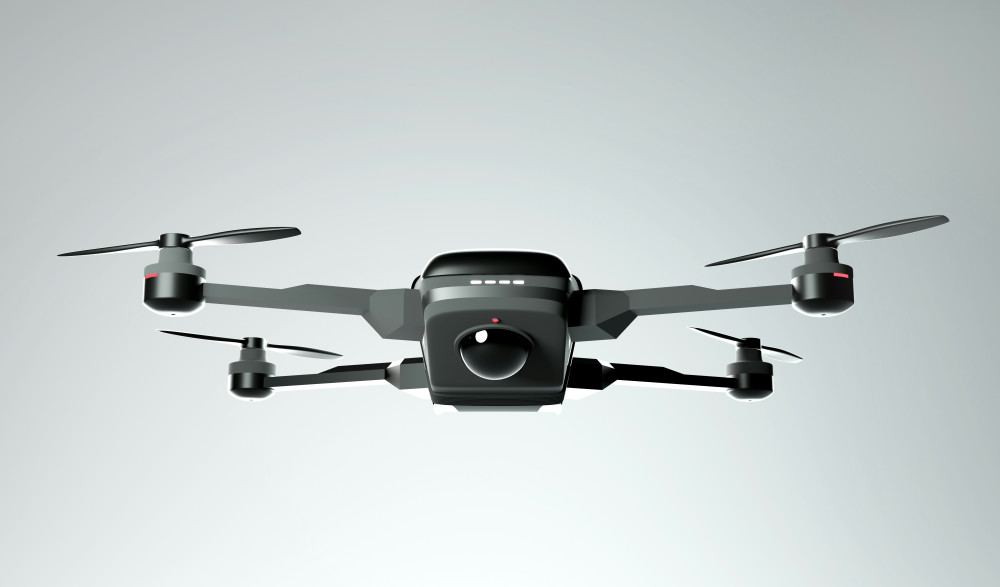
Drones – get a complete overview of models and features
Experience new perspectives with modern drone technology for both leisure and home use
Technology
Technology
Drones
Smart home
Technology
Home
Gadgets
7 min
Get a complete overview of drones for both hobby and home use. The article reviews different types and features so you can find the model that best suits your needs and budget.
Maia Lopez
Maia
Lopez
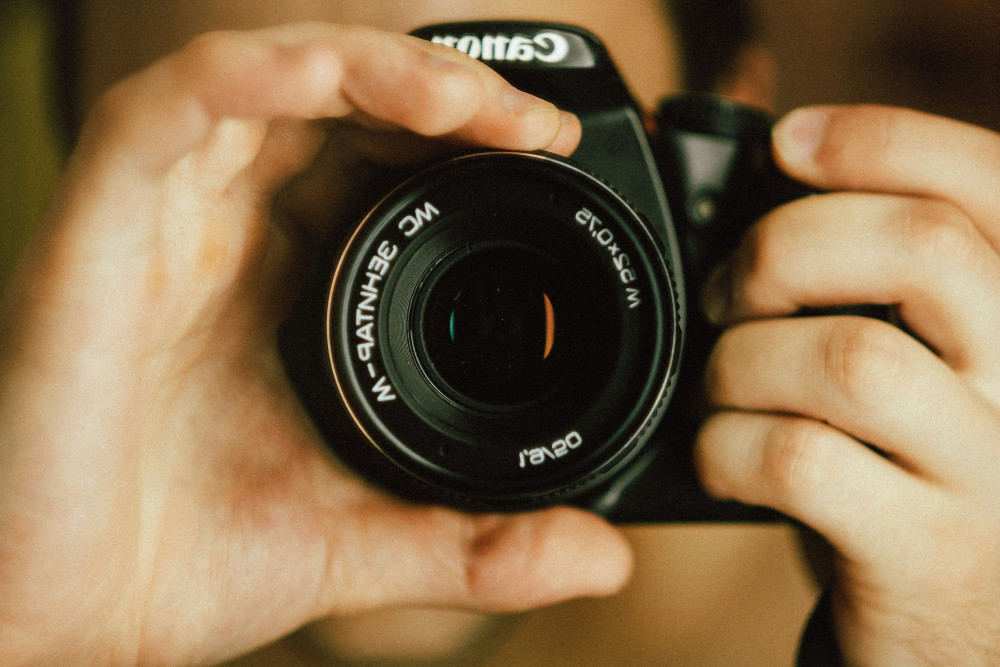
Lenses for every photography enthusiast – see the selection and get inspired
Find the right lens for your creative visions and get more out of your camera
Technology
Technology
Photo equipment
Lenses
Camera
Photography
Technology
4 min
Explore a selection of lenses for all types of photography. Get an overview of different models, features and areas of use, and find inspiration to choose the lens that best suits your creative needs.
Savannah Jones
Savannah
Jones
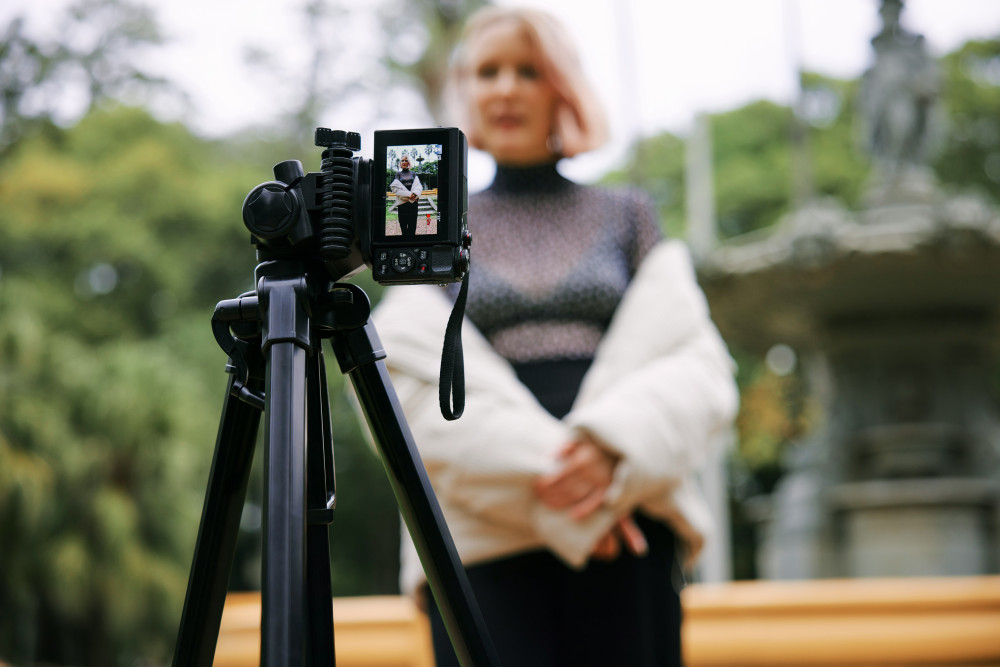
Camera tripods – a practical overview for those who want to compare models
Get stable shots and flexible angles with the right tripod for your camera
Technology
Technology
Camera tripod
Photography equipment
Video recording
Photography
Technology
7 min
Camera tripods provide stability and control in your shots. Here you get an overview of different types, features and materials, so you can easily compare models and find the tripod that best suits your camera.
Daisy Adams
Daisy
Adams
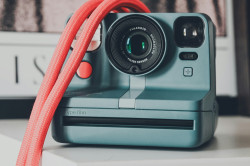
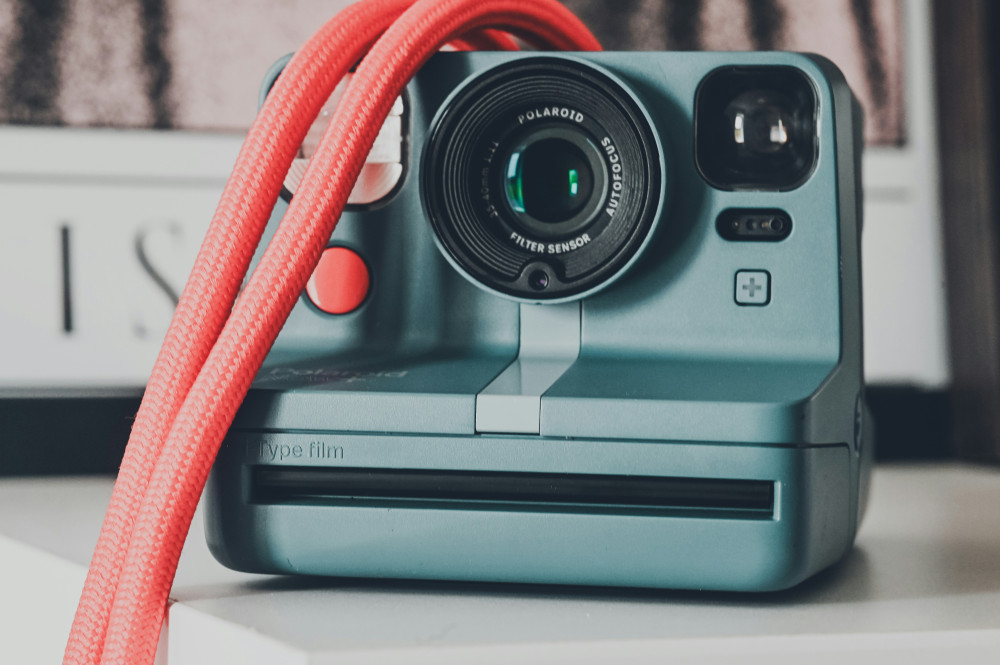
Different instant cameras – from classic to modern design
Capture the moment with cameras that combine nostalgia and today’s technology
Technology
Technology
Instant camera
Photography
Gadgets
Retro
Everyday technology
2 min
Instant cameras combine retro charm with modern technology. In this article, you get an overview of different models and features, so you can find the camera that best suits your style and needs.
Autumn Diaz
Autumn
Diaz
Overview: Mobile phone holders for many purposes and needs
Make everyday life easier with the right holder for your smartphone
Technology
Technology
Mobile phone holder
Smartphone
Accessories
Gadgets
Everyday technology
5 min
Get an overview of different types of mobile phone holders for car, bike, office and home. The article provides insight into features and possible uses, so you can find the solution that best suits your everyday life.
Alexander Jones
Alexander
Jones
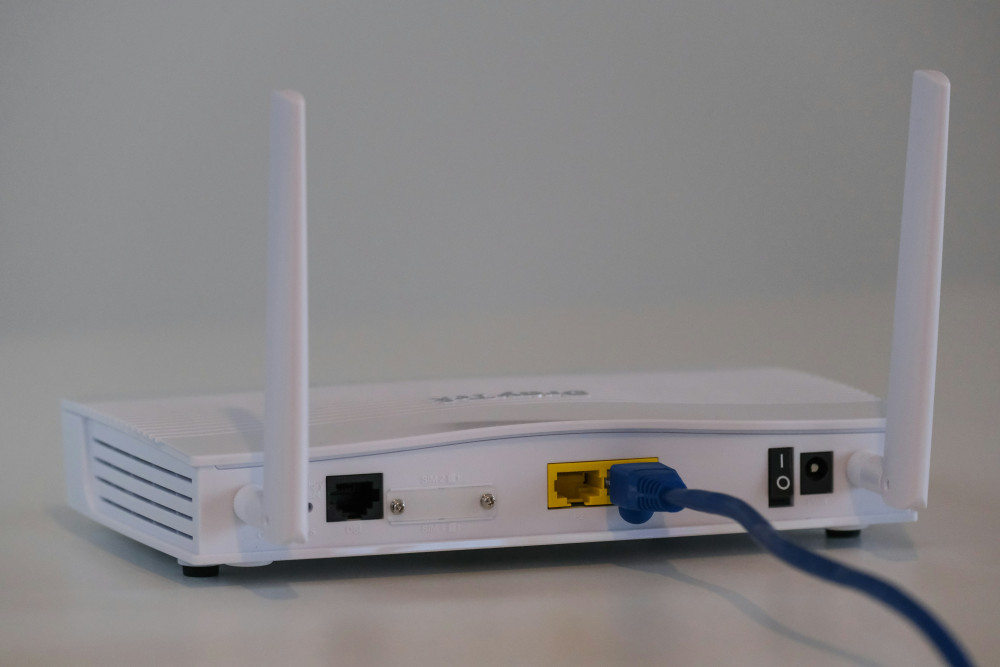
Overview of modems with different technologies and features
Find the right modem for your internet connection and your needs
Broadband
Broadband
Modem
Internet
Network
Technology
Connection
3 min
Get an overview of different types of modems and their features. The article reviews technologies such as DSL, cable, fibre and 5G, so you can find the modem that best suits your internet connection.
Maia Lopez
Maia
Lopez
Overview: Access points for different needs and network solutions
Get stable and fast wireless network throughout your home
Broadband
Broadband
Wi-Fi
Network
Access point
Smart home
Internet
7 min
Get control of your wireless network with the right access point. The article provides an overview of different types and functions, so you can find the solution that best suits your home and your needs.
Savannah Jones
Savannah
Jones