The complete guide to cyber security for beginners
Learn the basics of cyber security and protect your digital devices with this e-book. From virus protection to strong passwords, youll get tips and tools to protect yourself from online threats and keep your data safe.
Download guide

New Technology Requires Learning – How to Assess the Need for Training and Support


Make new technology work for people through smart learning and support
Support
Support
4 min
Introducing new technology is only half the challenge—the real success lies in how well employees can use it. Learn how to assess training needs, design effective learning programs, and provide the right support to ensure technology adoption that truly benefits your organization.
Daisy Adams
Daisy
Adams

New Technology Requires Learning – How to Assess the Need for Training and Support

Make new technology work for people through smart learning and support
Support
Support
4 min
Introducing new technology is only half the challenge—the real success lies in how well employees can use it. Learn how to assess training needs, design effective learning programs, and provide the right support to ensure technology adoption that truly benefits your organization.
Daisy Adams
Daisy
Adams

When an organization introduces new technology, success rarely depends on the system alone. It depends just as much on how people use it. Even the most advanced solution can cause frustration if employees don’t feel confident using it. That’s why it’s essential to assess how much training and support are needed—and how to design them effectively.

Here’s a guide to help you identify learning needs, plan training, and ensure that technology becomes an asset, not an obstacle, in everyday work.

Start by Understanding Your Users

Before you schedule workshops or create manuals, take time to understand who will use the technology and what their daily routines look like.

  • Map your user groups. Different departments or roles may use the system in different ways. Some may need deep technical knowledge, while others only need to master basic functions.
  • Assess experience and comfort levels. Have employees worked with similar systems before, or is this completely new territory?
  • Listen to concerns. Many challenges stem from uncertainty rather than technical issues. Open conversations can reveal where extra support is needed.

The better you understand your users’ starting point, the more targeted and effective your training can be.

Evaluate the Complexity of the Technology

Not every new tool requires extensive training. Some systems are intuitive, while others come with a steep learning curve.

Consider these factors:

  • How many workflows are changing? The more processes that are affected, the greater the need for training.
  • Is the technology mission-critical? If mistakes could have serious consequences, training should be thorough.
  • Are there integrations with other systems? Complexity increases when multiple platforms must work together.

A simple mobile app might only need a short introduction, while a new enterprise resource planning (ERP) system could require a structured learning plan over several weeks.

Plan Training That Feels Relevant

Once you understand both your users and the technology, you can design a training plan that fits your organization’s needs. The goal is to balance theory with hands-on practice.

  • Use realistic scenarios. Training should reflect the actual tasks employees perform every day.
  • Offer multiple formats. Some people learn best in live workshops, others through e-learning modules or short video tutorials.
  • Make it flexible. Not everyone can attend at the same time—ensure materials are available afterward for review.
  • Create ownership. Identify “power users” or champions who can support their colleagues and promote adoption.

A strong training plan isn’t just about transferring knowledge—it’s about building confidence and motivation to use the technology effectively.

Don’t Forget Ongoing Support

Even the best training can’t anticipate every question. Once the technology goes live, new challenges often appear. Continuous support is therefore essential.

  • Establish clear support channels. This could be a help desk, chat function, or designated internal contact.
  • Build a knowledge base. Collect answers to common questions so employees can find help quickly.
  • Follow up. After a few weeks, check in to see how things are going and whether additional training is needed.

Support isn’t just a service—it’s part of the learning process that ensures technology becomes fully integrated into daily work.

Measure Results and Adjust as Needed

To know whether your training is effective, you need to measure outcomes. Use both quantitative and qualitative data:

  • How many employees are actively using the system?
  • Have errors or support requests decreased over time?
  • How do employees feel about the technology in practice?

Use this feedback to refine training materials, improve support, and plan future implementations. Learning is a continuous process, not a one-time event.

Technology’s Success Depends on People

New technology can improve efficiency, quality, and innovation—but only if people feel equipped to use it.

By investing time in understanding your users, designing relevant training, and providing ongoing support, you increase the likelihood that your technology implementation will succeed. It’s not just about software and systems—it’s about people thriving in a changing workplace.

Mental Health in the Workplace – Technology as Support in a Modern Workplace Strategy
How digital tools and thoughtful leadership can strengthen mental well-being at work
Support
Support
Mental Health
Workplace Strategy
Employee Well-Being
Digital Tools
Leadership
3 min
As mental health becomes a key part of workplace strategy, technology offers new ways to support employees and build sustainable, people-centered organizations. Discover how digital solutions, hybrid work models, and modern leadership can promote well-being and resilience in today’s workplaces.
Maia Lopez
Maia
Lopez
CRM as a Common Language: Building Shared Customer Understanding Across Departments
Turn customer data into a shared language that unites teams and drives better relationships
Support
Support
CRM
Customer Experience
Collaboration
Data Management
Business Strategy
7 min
Discover how a CRM system can bridge departmental silos by creating a common understanding of the customer. Learn how shared insights, leadership support, and a data-driven culture can strengthen collaboration and deliver a more consistent customer experience.
Savannah Jones
Savannah
Jones
New Technology Requires Learning – How to Assess the Need for Training and Support
Make new technology work for people through smart learning and support
Support
Support
Technology Adoption
Employee Training
Change Management
Digital Transformation
Workplace Learning
4 min
Introducing new technology is only half the challenge—the real success lies in how well employees can use it. Learn how to assess training needs, design effective learning programs, and provide the right support to ensure technology adoption that truly benefits your organization.
Daisy Adams
Daisy
Adams
Scalable IT Architecture: How to Build Systems That Grow with Your Business
Design IT systems that scale seamlessly as your business grows
Support
Support
IT Architecture
Scalability
Business Growth
System Design
Technology Strategy
6 min
Discover how to build a scalable IT architecture that evolves with your company’s needs. Learn the key principles behind flexible system design, efficient data management, and continuous optimization to ensure your technology supports long-term growth.
Autumn Diaz
Autumn
Diaz
Automate Smarter: Achieve Efficient IT Operations Without Major Investments
Unlock the power of smart automation to streamline IT operations and boost efficiency on a budget
Support
Support
IT Automation
Efficiency
Small Business
Digital Transformation
Cost Optimization
5 min
Discover how small and mid-sized businesses can achieve smarter, more efficient IT operations without major investments. Learn practical steps to automate key processes using existing tools, open-source solutions, and a strategic approach that delivers lasting results.
Alexander Jones
Alexander
Jones
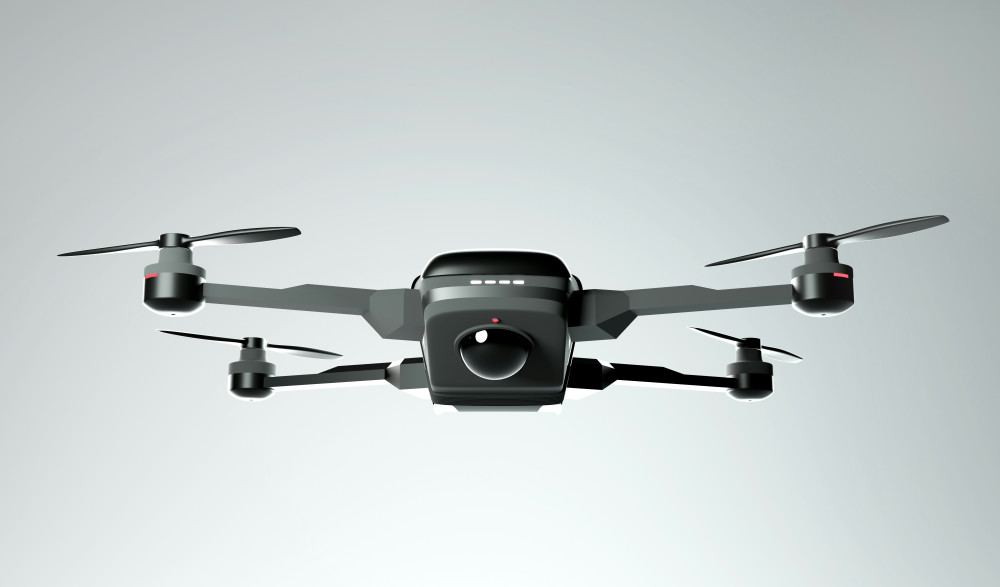
Drones – get a complete overview of models and features
Experience new perspectives with modern drone technology for both leisure and home use
Technology
Technology
Drones
Smart home
Technology
Home
Gadgets
7 min
Get a complete overview of drones for both hobby and home use. The article reviews different types and features so you can find the model that best suits your needs and budget.
Maia Lopez
Maia
Lopez
Lenses for every photography enthusiast – see the selection and get inspired
Find the right lens for your creative visions and get more out of your camera
Technology
Technology
Photo equipment
Lenses
Camera
Photography
Technology
4 min
Explore a selection of lenses for all types of photography. Get an overview of different models, features and areas of use, and find inspiration to choose the lens that best suits your creative needs.
Savannah Jones
Savannah
Jones
Camera tripods – a practical overview for those who want to compare models
Get stable shots and flexible angles with the right tripod for your camera
Technology
Technology
Camera tripod
Photography equipment
Video recording
Photography
Technology
7 min
Camera tripods provide stability and control in your shots. Here you get an overview of different types, features and materials, so you can easily compare models and find the tripod that best suits your camera.
Daisy Adams
Daisy
Adams
Different instant cameras – from classic to modern design
Capture the moment with cameras that combine nostalgia and today’s technology
Technology
Technology
Instant camera
Photography
Gadgets
Retro
Everyday technology
2 min
Instant cameras combine retro charm with modern technology. In this article, you get an overview of different models and features, so you can find the camera that best suits your style and needs.
Autumn Diaz
Autumn
Diaz
Overview: Mobile phone holders for many purposes and needs
Make everyday life easier with the right holder for your smartphone
Technology
Technology
Mobile phone holder
Smartphone
Accessories
Gadgets
Everyday technology
5 min
Get an overview of different types of mobile phone holders for car, bike, office and home. The article provides insight into features and possible uses, so you can find the solution that best suits your everyday life.
Alexander Jones
Alexander
Jones
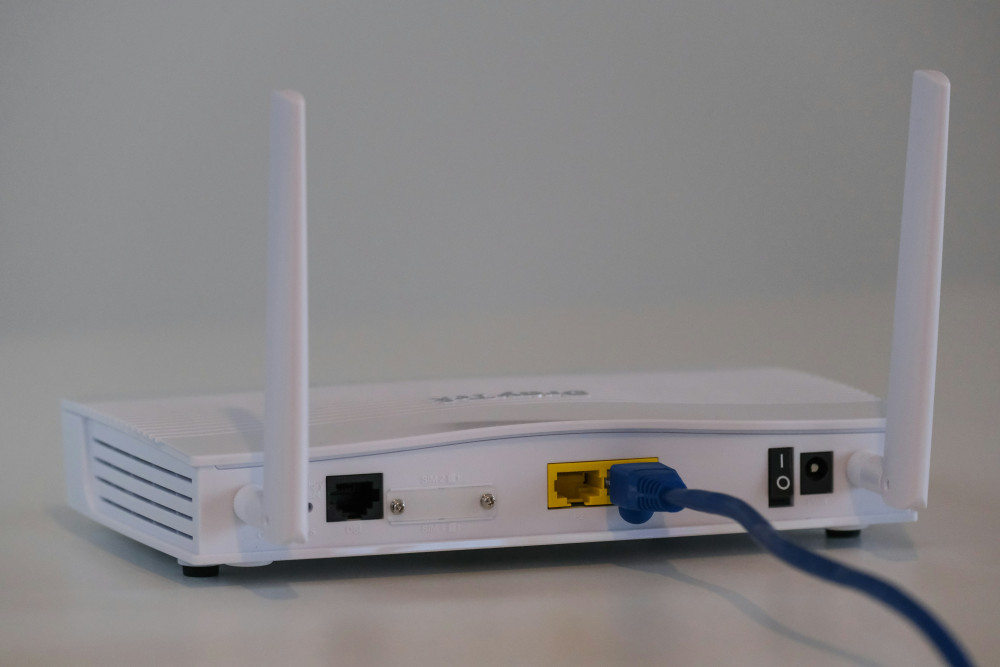
Overview of modems with different technologies and features
Find the right modem for your internet connection and your needs
Broadband
Broadband
Modem
Internet
Network
Technology
Connection
3 min
Get an overview of different types of modems and their features. The article reviews technologies such as DSL, cable, fibre and 5G, so you can find the modem that best suits your internet connection.
Maia Lopez
Maia
Lopez
Overview: Access points for different needs and network solutions
Get stable and fast wireless network throughout your home
Broadband
Broadband
Wi-Fi
Network
Access point
Smart home
Internet
7 min
Get control of your wireless network with the right access point. The article provides an overview of different types and functions, so you can find the solution that best suits your home and your needs.
Savannah Jones
Savannah
Jones